Day 15 Task: Python Libraries for DevOps🚀
Hey there! I am Sutish I am a Devops engineer, started writing articles on my DevOps and cloud journey. My purpose is to share the concepts that I learn, the projects that I build, and the tasks that I perform regarding DevOps. Hope you all find it useful.
Today, let's dive into a crucial aspect of being a DevOps Engineer - reading JSON and YAML in Python. 🐍📚
Reading JSON and YAML in Python
As a DevOps Engineer, you should be able to parse files, be it txt, json, yaml, etc.
You should know what libraries one should use in Python for DevOps.
Python has numerous libraries like
os,sys,json,yamletc that a DevOps Engineer uses in day-to-day tasks.
💼Tasks : 1
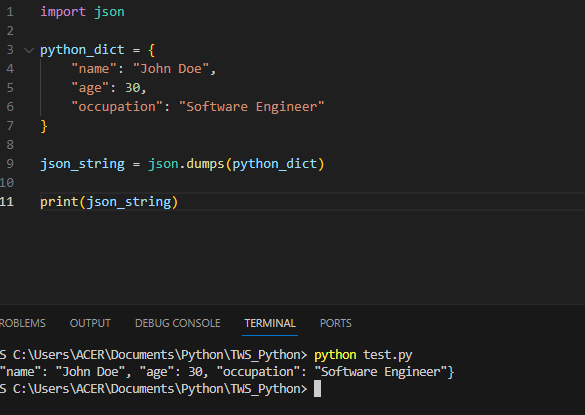
Create a Dictionary in Python and write it to a json File.
import json

# Create a dictionary
python_dict = {
    'name': 'john',
    'age': 30,
    'city': 'calcutta'
}

# Write the dictionary to a JSON file
json_string = json.dumps(python_dict)

print(json_string)
💼Tasks : 2
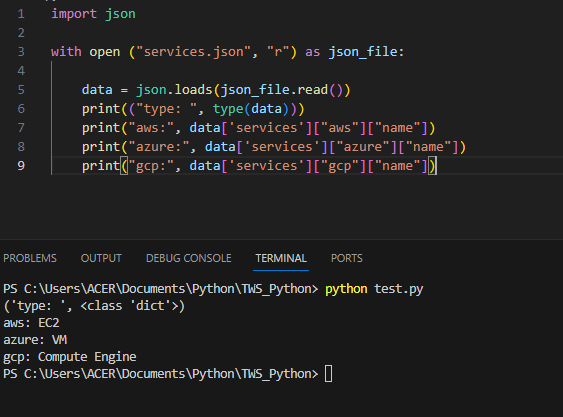
Read a json file services.json kept in this folder and print the service names of every cloud service provider.
import json

with open ("services.json", "r") as json_file:

    data = json.loads(json_file.read())
    print(("type: ", type(data)))
    print("aws:", data['services']["aws"]["name"])
    print("azure:", data['services']["azure"]["name"])
    print("gcp:", data['services']["gcp"]["name"])
💼Tasks : 3
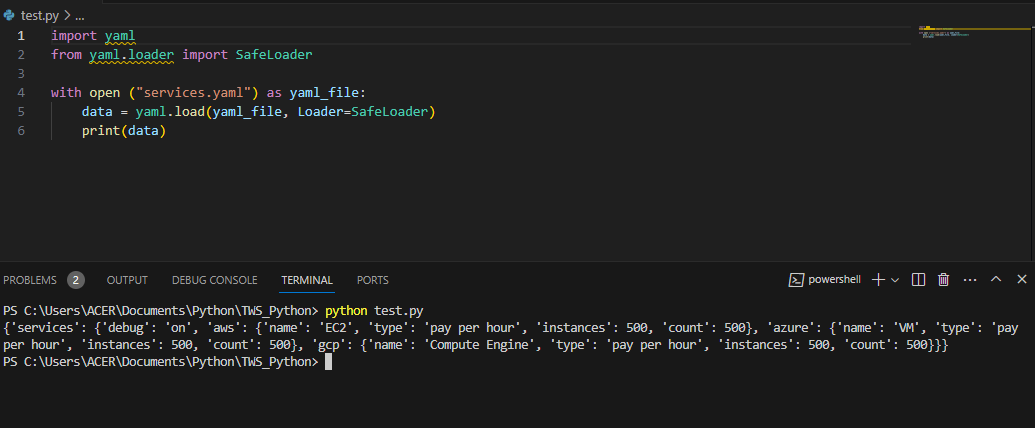
Read YAML file using python, file services.yaml and read the contents to convert yaml to json
Before writeing the code we need to install PyYAML module in order to use yaml.load() function
pip install pyyaml
import yaml
from yaml.loader import SafeLoader

with open ("services.yaml") as yaml_file:
    data = yaml.load(yaml_file, Loader=SafeLoader)
    print(data)
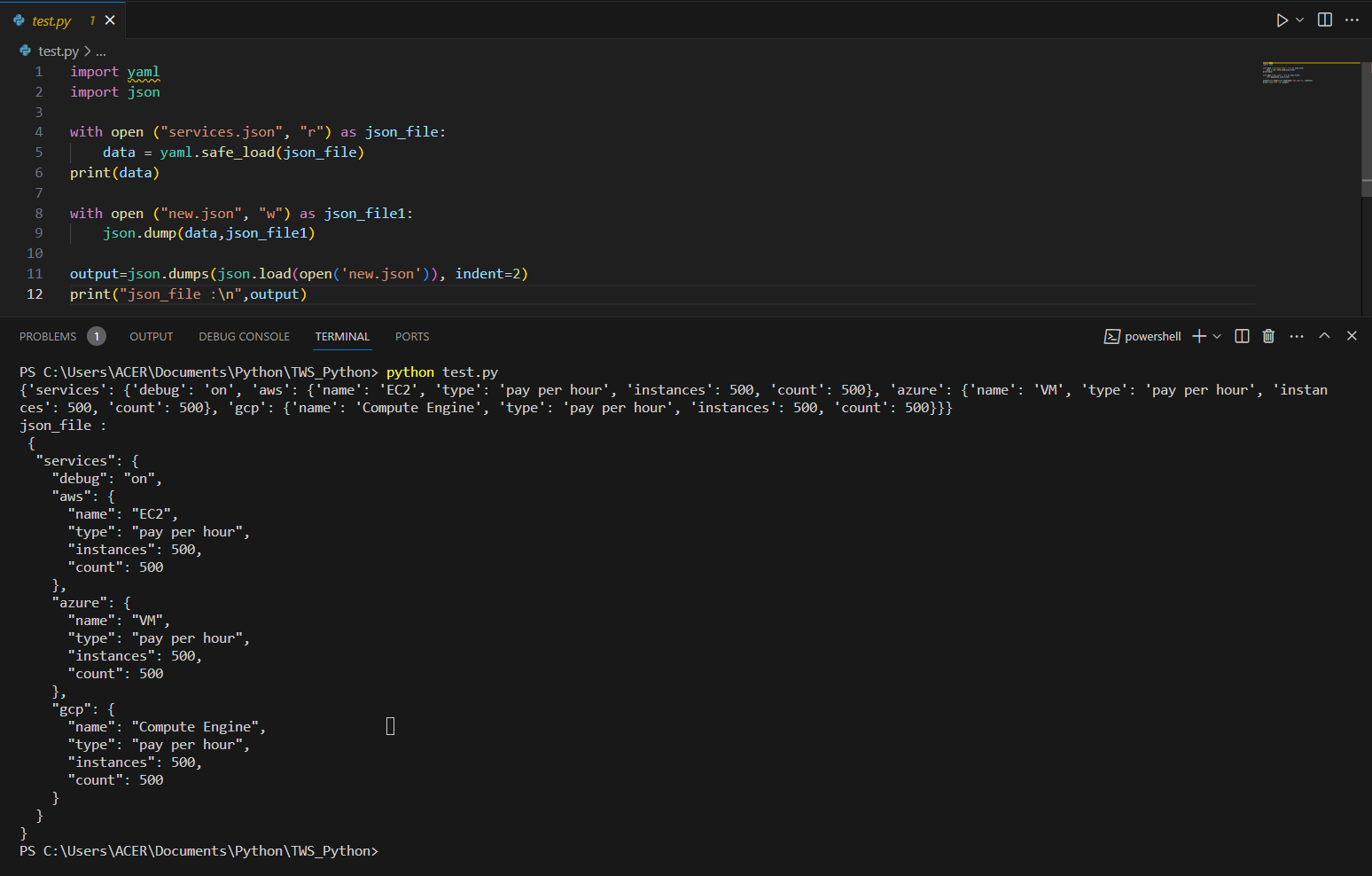
Convert yaml to json :
import yaml
import json

with open ("services.json", "r") as json_file:
     data = yaml.safe_load(json_file)
print(data)

with open ("new.json", "w") as json_file1:
    json.dump(data,json_file1)

output=json.dumps(json.load(open('new.json')), indent=2)
print("json_file :\n",output)
📍 Conclusion :
In this blog, we explored working with JSON and YAML in Python using the json and PyYAML libraries. We covered tasks such as creating a dictionary and writing it to a JSON file, reading a JSON file and extracting specific information, and converting YAML data to JSON format. These techniques can be useful when dealing with configuration files or processing data in various applications.
Thank you for reading!
Contact me on : Linkedin 🤝
Check out my GitHub for more resources 📚


